



Technical Fixes

Enable Gzip Compression to Speed Up Your Website in Minutes
Gzip compression is one of the most effective techniques to optimize website speed, reduce bandwidth usage, and improve overall SEO performance. Despite its simplicity, many websites still serve uncompressed assets, resulting in slow load times and lower Core Web Vitals scores. In this guide, we will explain how to enable Gzip compression across different platforms, […]
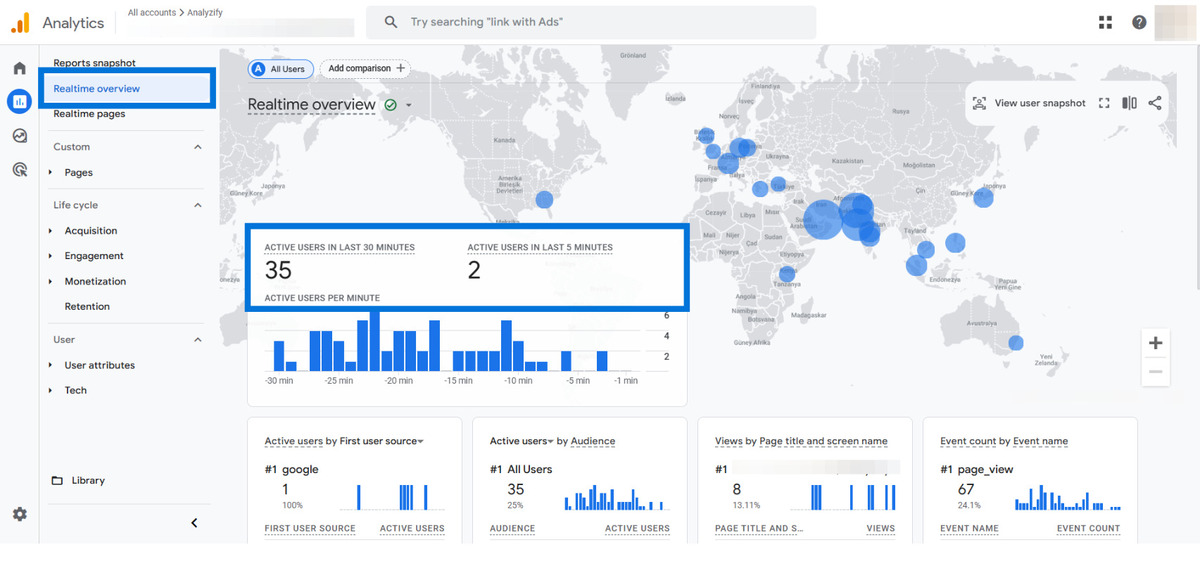
Fix GA4 Not Tracking Pageviews (Step-by-Step Guide)
If your GA4 is not tracking pageviews, you’re not alone. Many website owners and SEO professionals encounter this frustrating issue. Pageview data is essential for measuring traffic, user behavior, and marketing effectiveness. When it’s missing, you lose visibility into your website’s performance. This guide explains the most common reasons why Google Analytics 4 (GA4) may […]
Fix WordPress Maintenance Mode Error Quickly and Safely
When WordPress gets stuck in maintenance mode, it can be frustrating — especially if you’re in the middle of an update or managing a high-traffic site. This guide walks you through how to fix WordPress maintenance mode issues, understand why it happens, and prevent it in the future. WordPress automatically enters maintenance mode during core, […]
Fix AdSense Ads Not Showing on Your Website Quickly
If your AdSense ads are not displaying on your website, you’re not alone. Many website owners experience issues where AdSense ads are not showing after approval, or appear as blank spaces, especially on WordPress, Chrome, or mobile devices. This can directly impact your revenue and signals deeper technical problems in ad implementation, site configuration, or […]
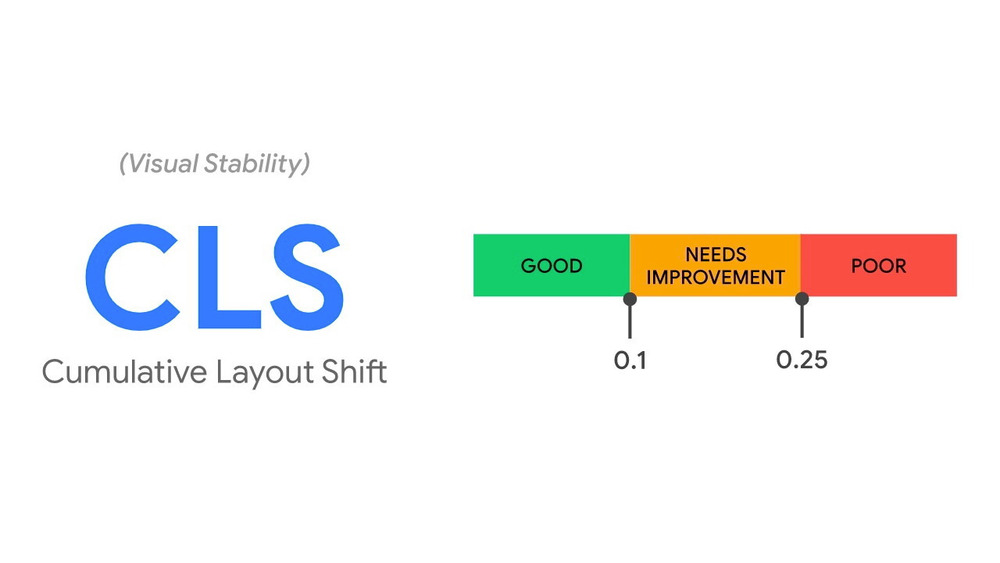
How to Fix Cumulative Layout Shift in Core Web Vitals
Cumulative Layout Shift (CLS) is one of the key Core Web Vitals metrics introduced by Google. It measures how much visible content shifts on a page while it’s loading. If you’ve ever tried to click a button and it suddenly moved — that’s CLS. A high CLS score can frustrate users, reduce conversions, and hurt […]
Fix WP-Cron Not Running Scheduled Tasks
Automated tasks in WordPress—like publishing scheduled posts, sending email notifications, or triggering plugin actions—rely heavily on WP-Cron. When WP-Cron fails, it disrupts these essential workflows. This can lead to missed publishing deadlines, failed backups, and broken automation—all of which affect site performance and SEO. In this article, you’ll learn how to fix WP-Cron not running […]
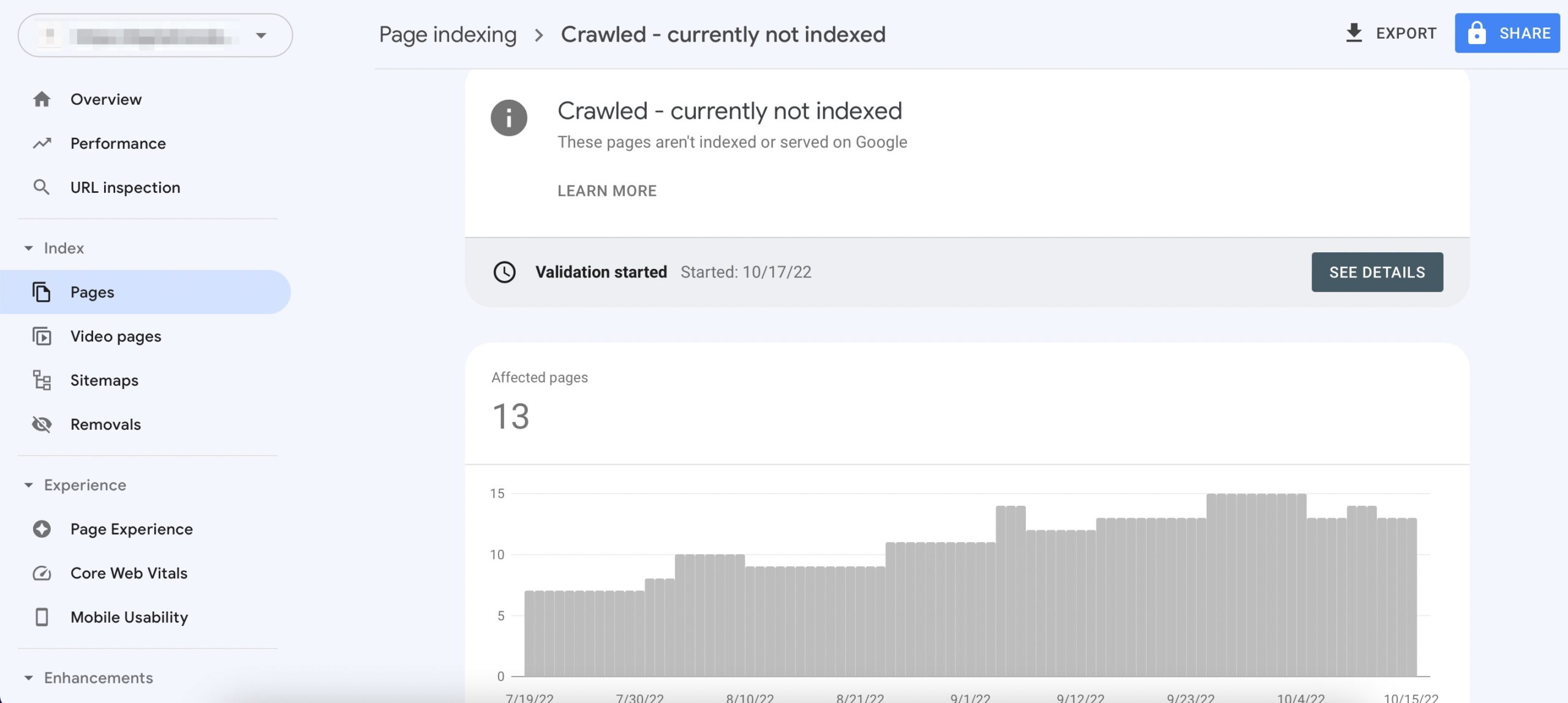
Fix Crawled – Currently Not Indexed in Google Search Console
Fix Crawled – Currently Not Indexed is a common issue many website owners face in Google Search Console. It means that Googlebot has crawled your page, but it hasn’t added it to the index—so it won’t appear in search results. This problem can seriously affect your SEO performance, especially if it affects important pages on […]
Fix Mixed Content WordPress: Full Guide for Beginners
Fix Mixed Content WordPress issues is essential if you want a fully secure and SEO-friendly site. Mixed content happens when your WordPress site loads over HTTPS, but some resources—like images, scripts, or stylesheets—still load over HTTP. This mismatch triggers browser security warnings and breaks the secure padlock icon. For WordPress site owners, this issue commonly […]
Fix Google Fonts LCP to Improve Page Speed & Core Web Vitals
Google Fonts improve design—but if not optimized, they can delay rendering and worsen Largest Contentful Paint (LCP), a key Core Web Vital that impacts SEO and user experience. In this guide, you’ll learn exactly how to fix Google Fonts LCP with practical, technical solutions: from using font-display: swap, preloading fonts, self-hosting, to deferring non-critical styles. […]

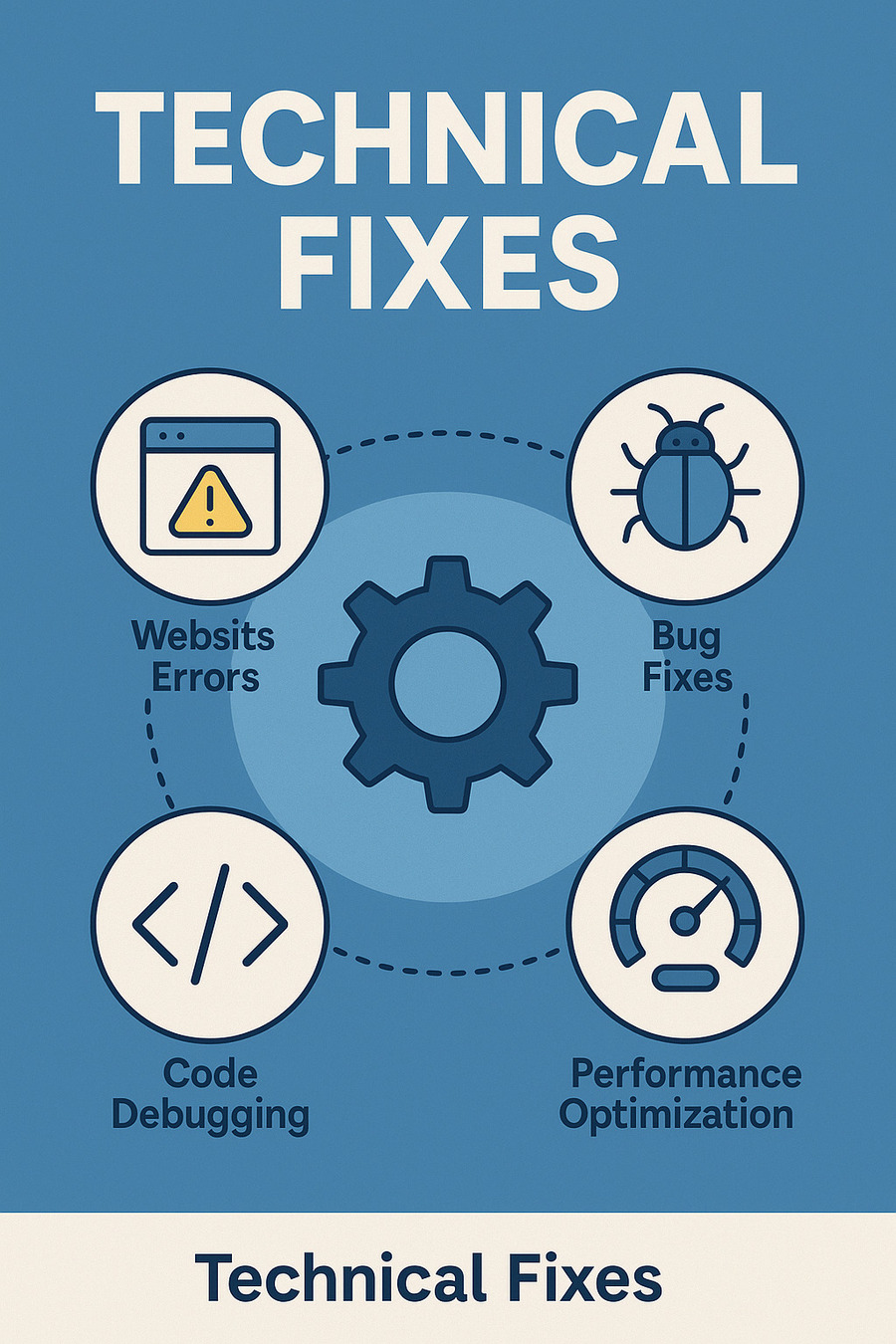
Technical Fixes: Solve the Issues Behind Broken Websites

Every website breaks at some point. Whether it’s a layout glitch after a theme update, a sudden drop in Google rankings due to crawling issues, or a broken script ruining the user experience — these aren’t just bugs, they’re barriers to growth.

The Technical Fixes section of WebFixGuide.com is created to help developers, marketers, and site owners identify, understand, and fix the hidden technical issues that prevent a website from performing at its best — especially when working within the Google ecosystem.
technical fixes

Why Technical Fixes Matter

Most website owners are familiar with content and design. But what happens when:

  • Google Search Console reports indexing errors you don’t understand?
  • Pages suddenly load slower without changing a thing?
  • Structured data breaks and rich results disappear?
  • A caching plugin conflicts with Ads or Analytics scripts?
  • You migrate hosting or domains — and lose traffic?

These aren’t surface-level problems. They’re technical bottlenecks that cost you SEO, Ads approval, speed, or even site stability. This category exists to help fix them — fast and correctly.

What You’ll Find in This Category

We don’t just list solutions. We break them down step by step, with context and testing.

Topics include:

  • WordPress error resolution (themes, plugins, PHP conflicts)
  • Google Search Console errors: Crawl anomalies, indexing issues, coverage warnings
  • Core Web Vitals breakdowns and performance optimization
  • SSL, redirect, and canonical tag misconfigurations
  • Fixing plugin conflicts with Google Analytics, GTM, and AdSense
  • Technical cleanup post-migration (domain change, HTTPS switch, etc.)

Written for Real-World Problems

Whether you’re a solo site owner or a dev managing dozens of installs, our guides are:

  • Rooted in real case studies and diagnostic processes
  • Focused on causes, not just symptoms
  • Updated to reflect how Google crawls, evaluates, and ranks modern websites
  • Independent from plugin authors or service providers — no hidden agenda

The Goal: Fix Your Site. Improve Everything Else.

We believe fixing technical issues is not just about making errors go away.
It’s about unlocking performance, improving SEO, reducing ad rejections, and making your site feel fast and reliable — to humans and crawlers alike.

If your site is underperforming and you can’t figure out why, this is the section for you.