
WordPress Fixes

Fix WordPress Maintenance Mode Error Quickly and Safely
When WordPress gets stuck in maintenance mode, it can be frustrating — especially if you’re in the middle of an update or managing a high-traffic site. This guide walks you through how to fix WordPress maintenance mode issues, understand why it happens, and prevent it in the future. WordPress automatically enters maintenance mode during core, […]
Fix Google Tag Manager Not Firing – Full Troubleshooting Guide
When we say “Google Tag Manager not firing,” it means that one or more tags inside your GTM container are not executing as expected. These tags could include Google Analytics (GA4), Google Ads conversion tracking, remarketing pixels, or any custom events. If the tags don’t fire, they won’t send data, which breaks your tracking and […]
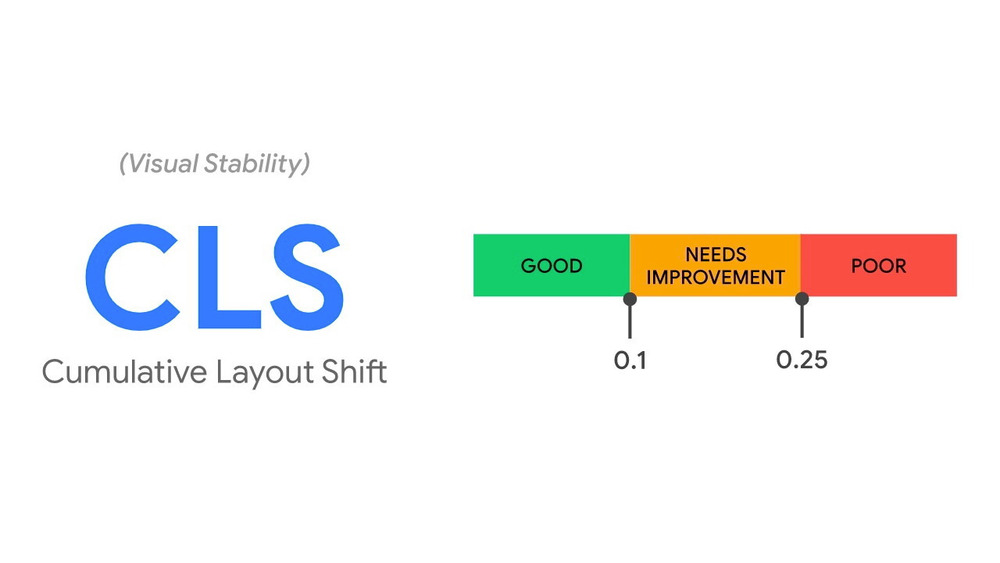
How to Fix Cumulative Layout Shift in Core Web Vitals
Cumulative Layout Shift (CLS) is one of the key Core Web Vitals metrics introduced by Google. It measures how much visible content shifts on a page while it’s loading. If you’ve ever tried to click a button and it suddenly moved — that’s CLS. A high CLS score can frustrate users, reduce conversions, and hurt […]
Fix WP-Cron Not Running Scheduled Tasks
Automated tasks in WordPress—like publishing scheduled posts, sending email notifications, or triggering plugin actions—rely heavily on WP-Cron. When WP-Cron fails, it disrupts these essential workflows. This can lead to missed publishing deadlines, failed backups, and broken automation—all of which affect site performance and SEO. In this article, you’ll learn how to fix WP-Cron not running […]
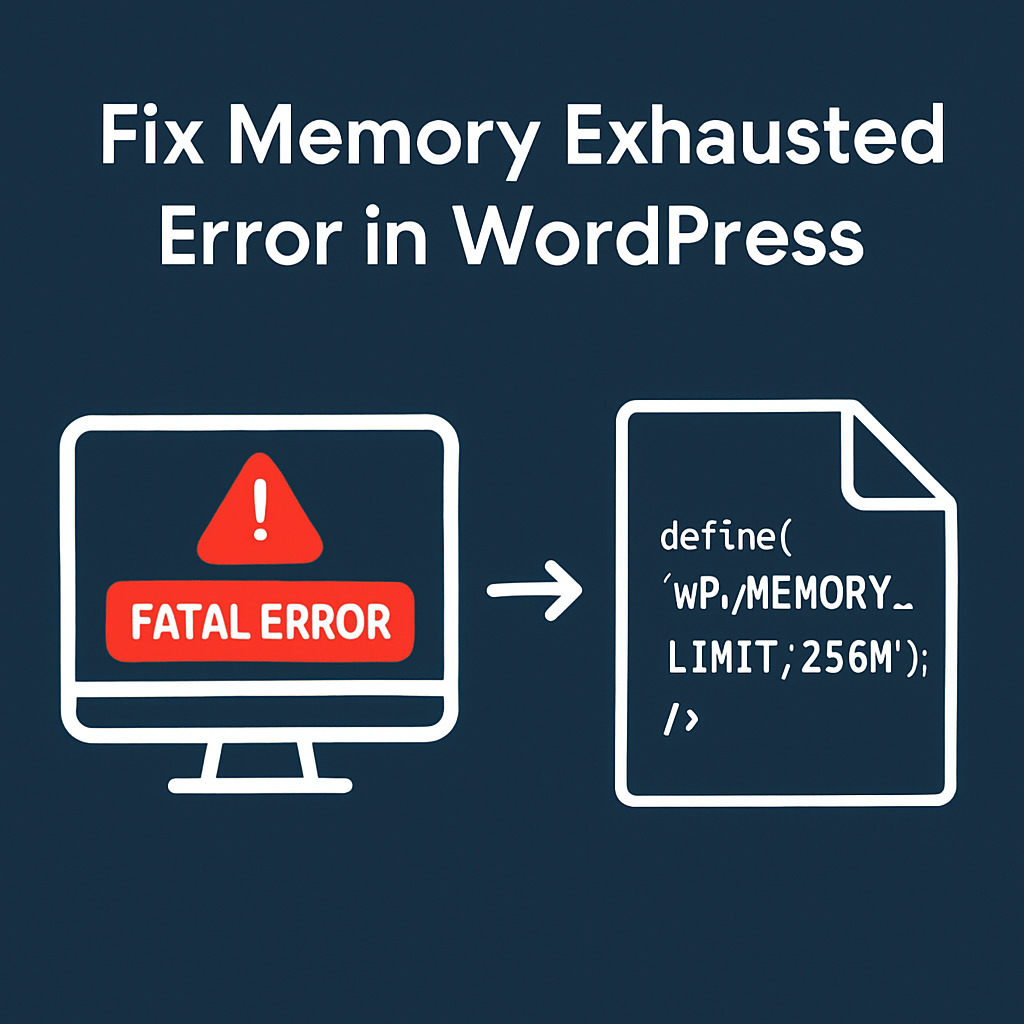
Fix Memory Exhausted Error in WordPress (Step-by-Step)
The “Memory Exhausted Error” in WordPress typically appears as: This error occurs when WordPress exceeds the amount of memory allocated to PHP by the server. It often causes a white screen of death (WSOD), plugin failures, or even breaks the entire site. Site owners running WooCommerce, large plugins, or media-heavy content are more likely to […]
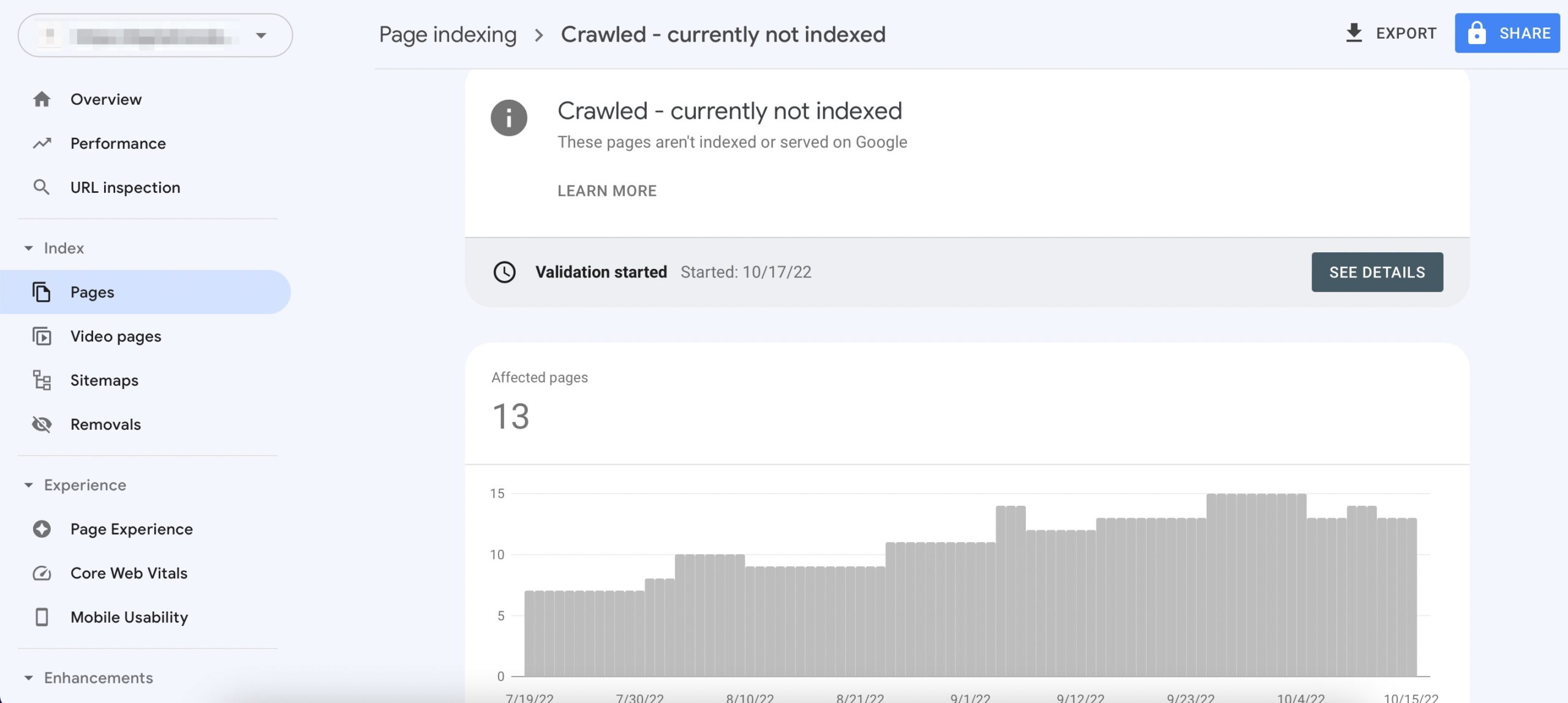
Fix Crawled – Currently Not Indexed in Google Search Console
Fix Crawled – Currently Not Indexed is a common issue many website owners face in Google Search Console. It means that Googlebot has crawled your page, but it hasn’t added it to the index—so it won’t appear in search results. This problem can seriously affect your SEO performance, especially if it affects important pages on […]
Fix Mixed Content WordPress: Full Guide for Beginners
Fix Mixed Content WordPress issues is essential if you want a fully secure and SEO-friendly site. Mixed content happens when your WordPress site loads over HTTPS, but some resources—like images, scripts, or stylesheets—still load over HTTP. This mismatch triggers browser security warnings and breaks the secure padlock icon. For WordPress site owners, this issue commonly […]
Fix Google Fonts LCP to Improve Page Speed & Core Web Vitals
Google Fonts improve design—but if not optimized, they can delay rendering and worsen Largest Contentful Paint (LCP), a key Core Web Vital that impacts SEO and user experience. In this guide, you’ll learn exactly how to fix Google Fonts LCP with practical, technical solutions: from using font-display: swap, preloading fonts, self-hosting, to deferring non-critical styles. […]
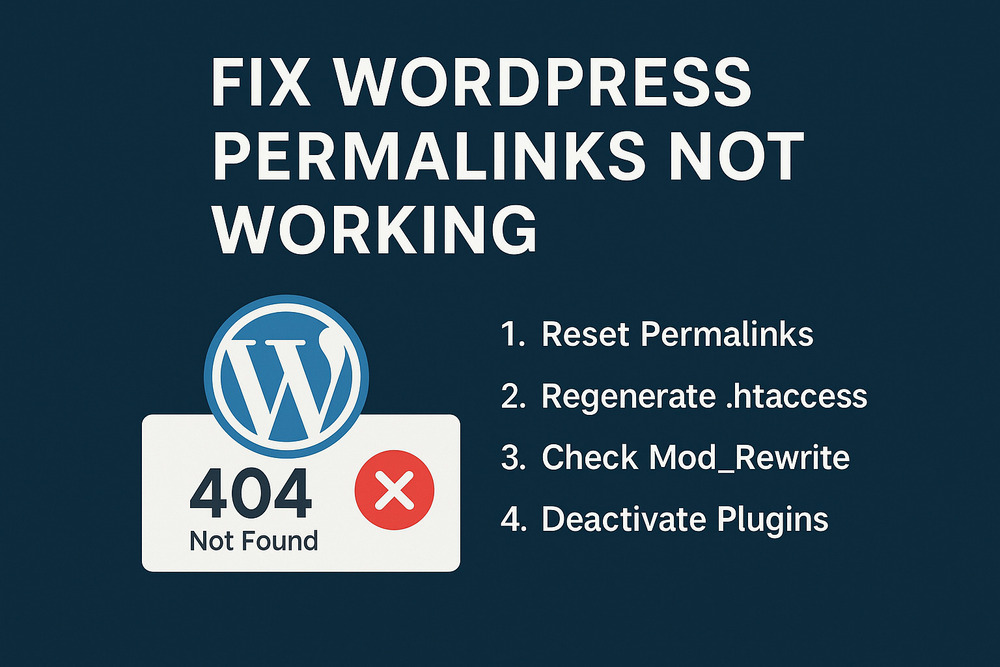
How to Fix WordPress Permalinks Not Working – Full Troubleshooting Guide
Permalinks (short for permanent links) are URLs to your WordPress content: posts, pages, categories, tags, and archives. For example: Permalinks affect: WordPress lets you choose your permalink format under Settings > Permalinks, including options like Post name, Day and name, or a Custom structure. If you experience any of the following, your permalinks might be […]

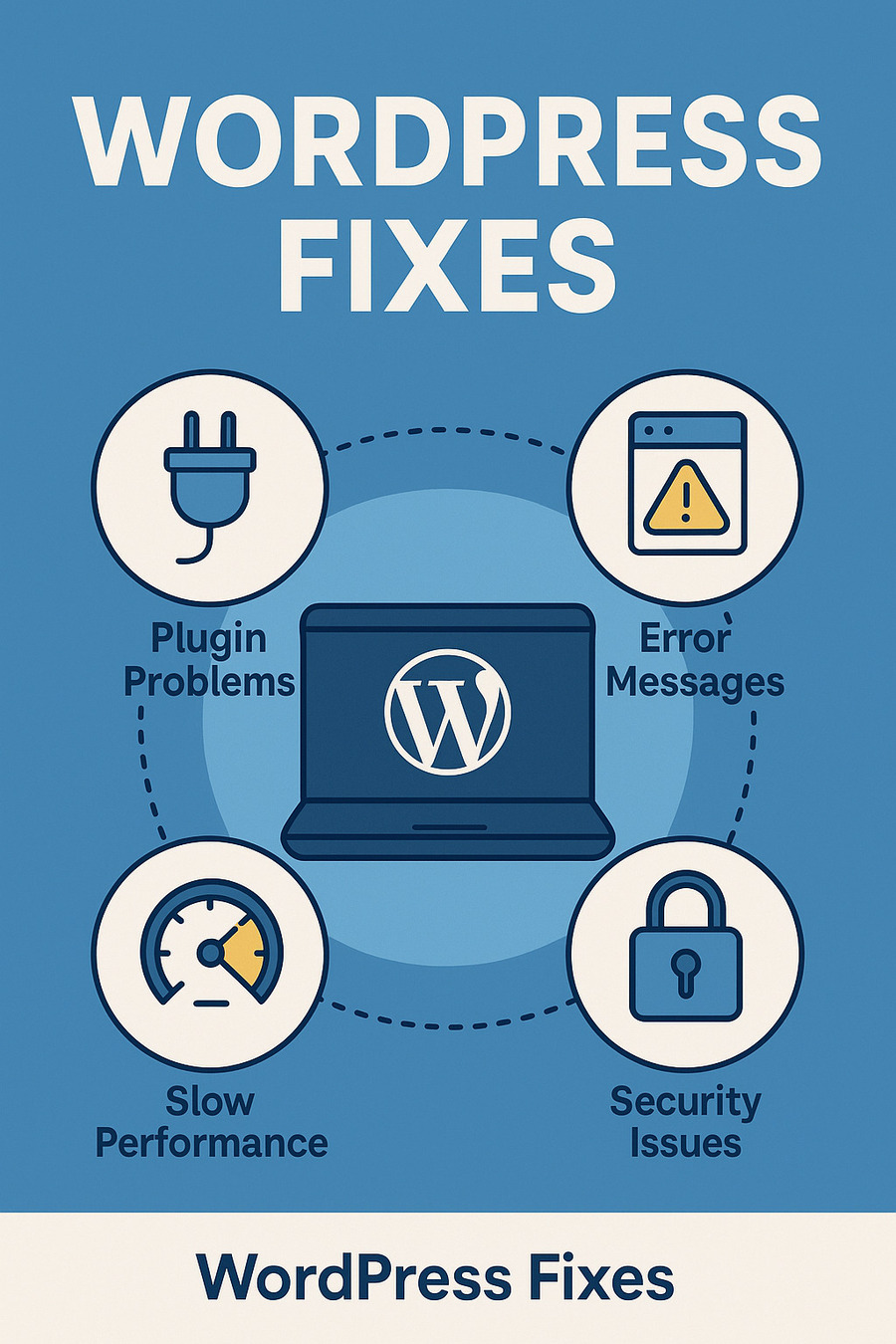
WordPress Fixes: Real Solutions for a Better, Faster, Google-Ready Site

WordPress powers over 40% of the web — but that doesn’t mean it always runs smoothly.

From plugin conflicts and update crashes to slow load times and indexing problems, WordPress issues can appear anywhere: after a migration, during theme customization, or simply from using the wrong optimization stack.
WordPress Fixes

That’s why the WordPress Fixes section of WebFixGuide.com exists — to help you identify, understand, and fix the most common (and frustrating) problems WordPress users face, especially when your goal is technical SEO, speed, and Ads compatibility.

Why This Category Matters

Too often, WordPress troubleshooting advice falls into two camps:

  • “Just install another plugin” (which may worsen the problem)
  • Or highly technical documentation with no context or real-life guidance

This category is different. We focus on clean, explainable, and reliable fixes — designed for developers, digital marketers, and DIY site owners who want their WordPress websites to be:

  • Fast
  • SEO-ready
  • Compatible with Google tools (Search Console, Ads, Analytics)
  • Stable during updates, scaling, and traffic spikes

What You’ll Learn

This section goes beyond surface-level tweaks. We explain why something breaks, how to diagnose it, and what to fix without guesswork.

Topics include:

  • Fixing WordPress speed issues (Core Web Vitals, TTFB, asset bloat)
  • Dealing with theme/plugin conflicts that break layout or cause fatal errors
  • Resolving indexing or crawling issues in Google Search Console
  • Setting up canonical URLs, redirects, and robots.txt properly
  • Optimizing for Google Ads approval (JS errors, CLS shifts, policy violations)
  • Cleaning up broken shortcodes, duplicated content, or leftover plugin code
  • Handling HTTPS migrations, www/non-www conflicts, or domain moves

Who It’s For

Whether you’re running a personal blog, managing client sites, or building an SEO-first WordPress stack, this section is for you.

It’s written for:

  • WordPress developers
  • SEO professionals and web analysts
  • Site owners tired of slow or broken installs
  • Anyone who wants to learn how WordPress works under the hood

Our Promise

We don’t recommend tools unless they actually solve the problem.

We don’t upsell services — because we don’t offer any.

We don’t generalize — each article is based on real-world scenarios we’ve debugged, tested, or fixed.

At WebFixGuide, WordPress Fixes means:

  • Technical clarity
  • No fluff
  • No shortcuts that break later